
Change Gateway URL For ArDrive
app.ardrive.io connects to Arweave gateways to upload data, download data, and query indexed drive, file, and folder information.
Changing your gateway can be useful if the default gateway is temporarily unavailable, your ISP blocks access to it, or you want to use another decentralized gateway for Permaweb services.
This setting is intended for advanced users. Changing gateways can affect loading, syncing, previews, and how quickly newly uploaded data appears in the app.
Change gateways from account settings
After you are logged in, open your account menu and go to settings.
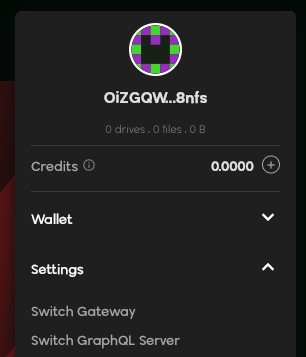
From settings, open the gateway settings area.
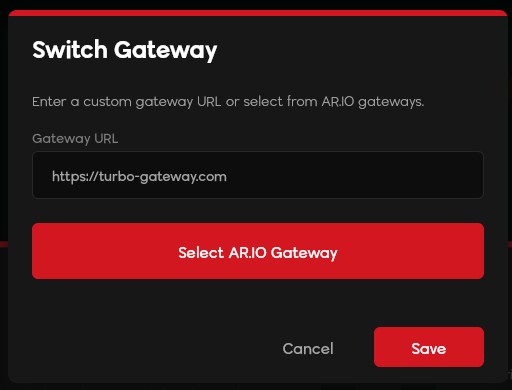
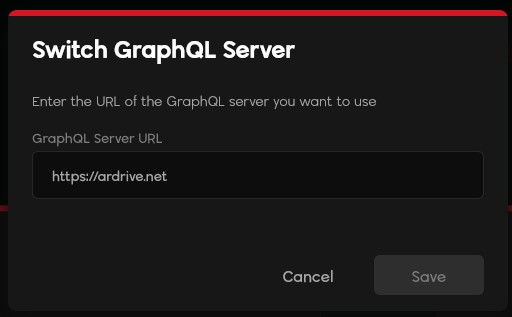
You can update both gateway fields:
-
Data Gateway: used for retrieving data and generating preview links.
-
GraphQL Gateway: used for querying indexed drive, folder, and file metadata.
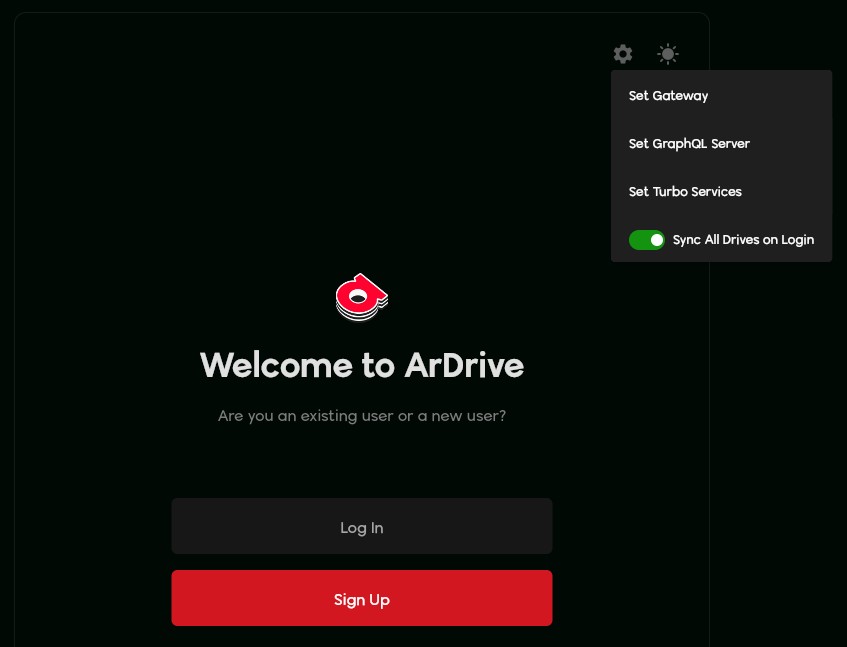
Change gateways while logging in
You can also change gateway settings from the login screen before accessing your drive.
When to try this
Changing gateways may help if you are an advanced user troubleshooting drive syncing, file previews, or temporary gateway availability issues.
If your issue appears to be an extended outage, visit our contact page before changing settings.